Your Menu Changed. Your QR Code Shouldn't Have To.
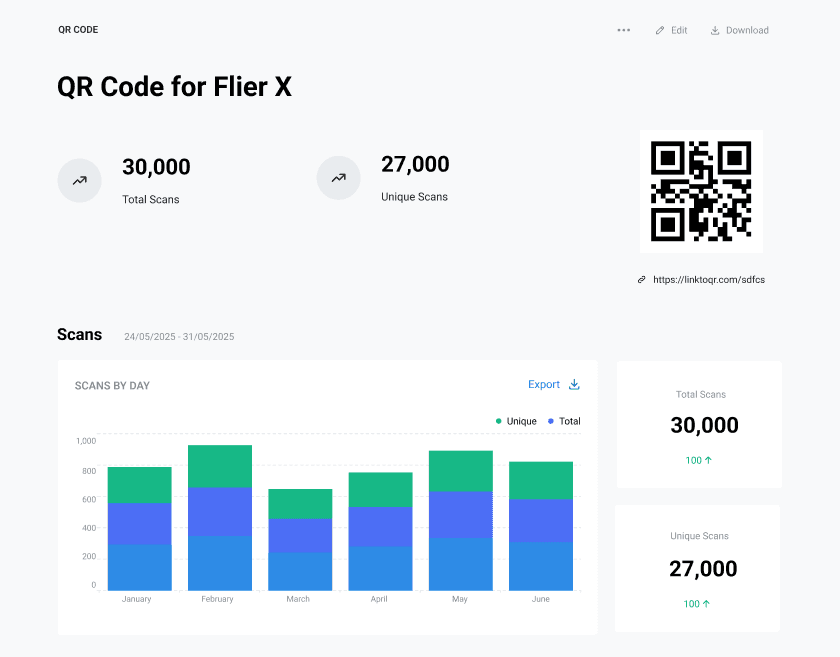
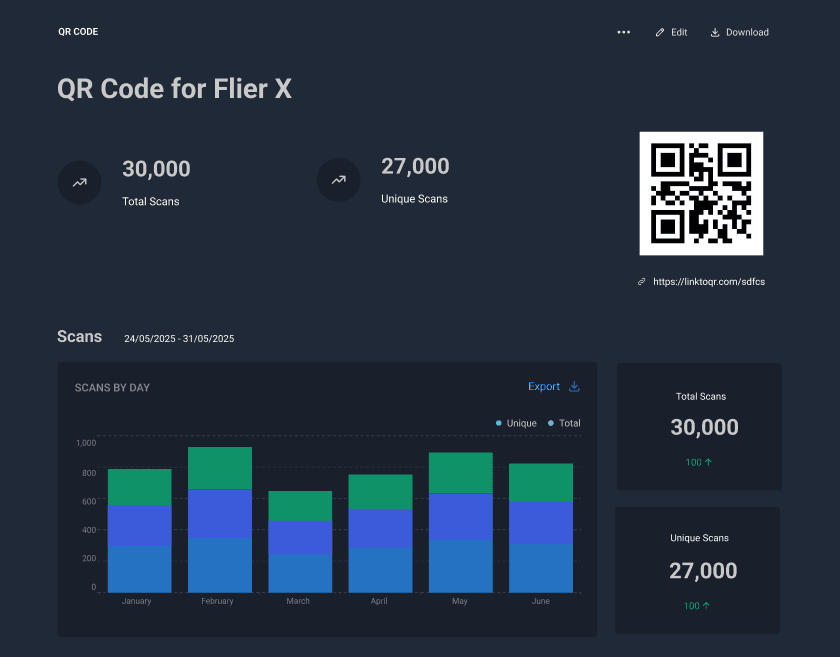
Print your QR code once. Change the menu, the prices, or the promo behind it anytime—and see exactly how many diners scanned, from which table tent, flyer, or takeaway pack.
The printed code stays the same. What happens after the scan is yours to control.
Change the destination in seconds
New prices, a festive menu, a closed kitchen notice—update the link and every printed code follows
Send diners straight to WhatsApp
Point a code at a WhatsApp chat so orders and reservations land where your team already works
Show the right thing at the right time
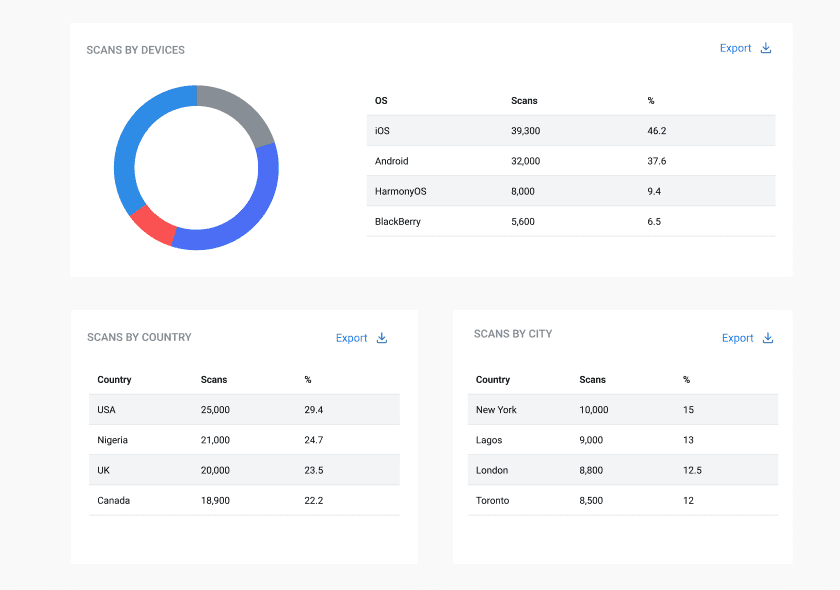
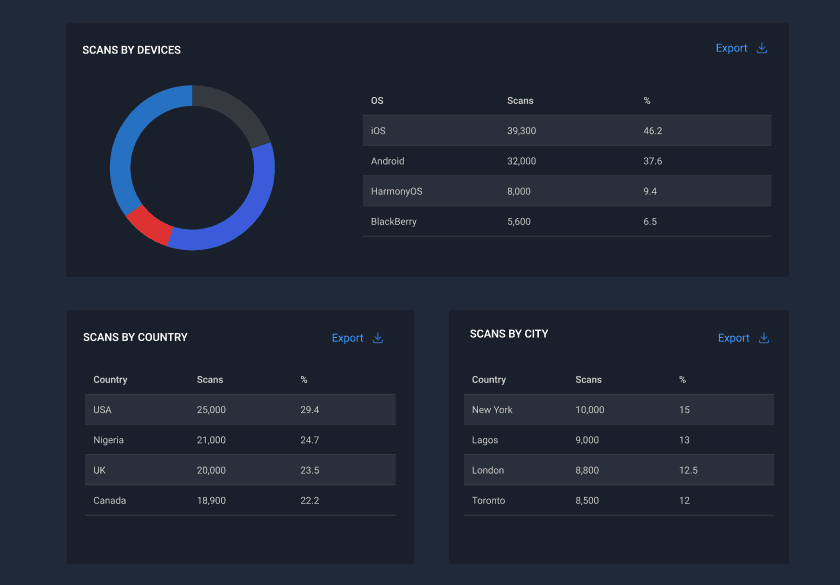
Smart redirects can send an iPhone, an Android, or a weekend guest to a different page from the same code
Keep every branch separate
Group codes by outlet or campaign and compare them side by side, from one dashboard
Testimonials
What our customers are saying
"It took less than 2 minutes to setup. And based on our dashboard data, we were able to optimise our banners and fliers and saw a 3X increase in customer engagements"
Charles Izuoba
CEO at LAskill
Simple Pricing That Scales With You
Choose the plan that fits your needs today, and scale as your campaigns grow
.
Free
Explore Qrelux and launch your first trackable QR campaigns
No. The code can point anywhere you already keep the menu—a PDF, an Instagram post, a Google Doc, a delivery listing, or your own site. Move it later and the printed code still works.
What happens to codes already on my tables?
If they were printed with Qrelux, they keep working and you simply change where they lead. If they came from a free static generator, they can't be updated—you'd print a new one once, then never again. More on the difference between static and dynamic QR codes.
Can I tell my branches apart?
Yes. Give each outlet—or each table tent, flyer batch, and takeaway pack—its own code, then compare their scans in one dashboard. See how to track QR code scans for how to structure codes per location.
Do guests need to install anything?
No. They point their phone camera at the code and the page opens. Nothing to download, no app, no sign-up.
The single most common reason a printed QR code does not work is that it was printed too small for the distance people stand at. Here is the arithmetic, with sizes for every common format.
Nobody scans a code because it says “scan me”. They scan because they know what they get. Two seconds of copywriting usually beats any amount of design work.
Codes rarely fail mysteriously. There is a short list of causes, and they are not equally likely. Work through them in this order and you will usually find it within a couple of minutes.