QR Codes for Church Giving: How to Set One Up Safely
A giving QR code saves members from copying account numbers mid-service. Set it up so it is quick to use, easy to check, and hard to tamper with.
4 min readPut one QR code on the pew cards, the bulletin and the banner outside. Point it at this week's order of service, the giving page or the convention form, and see how many people actually scan.
Free plan, no time limit · Pro features free for 14 days · No credit card
Need a hand? We'll set it up with you on WhatsApp

Example: weekly bulletin code
862 scans this month
Order of service updated Saturday, no reprint
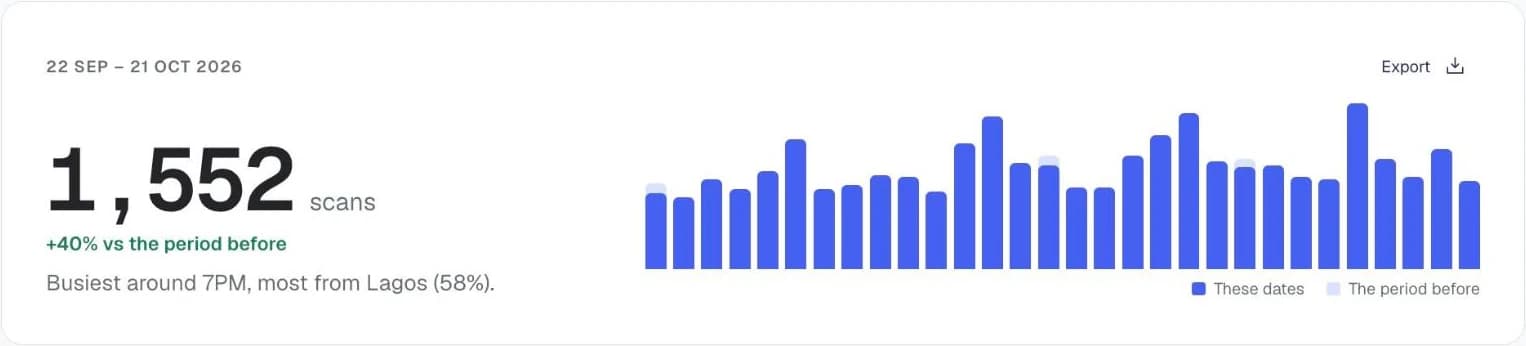
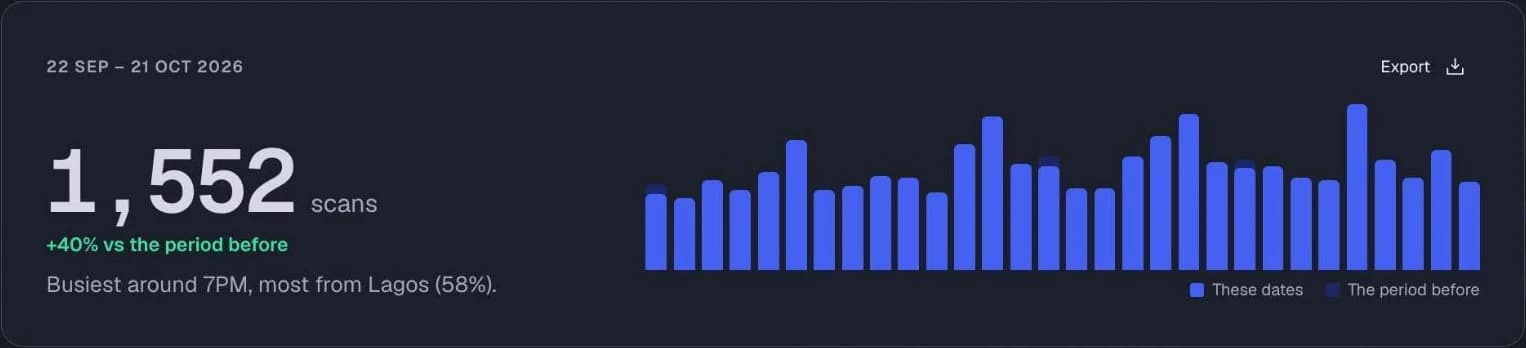
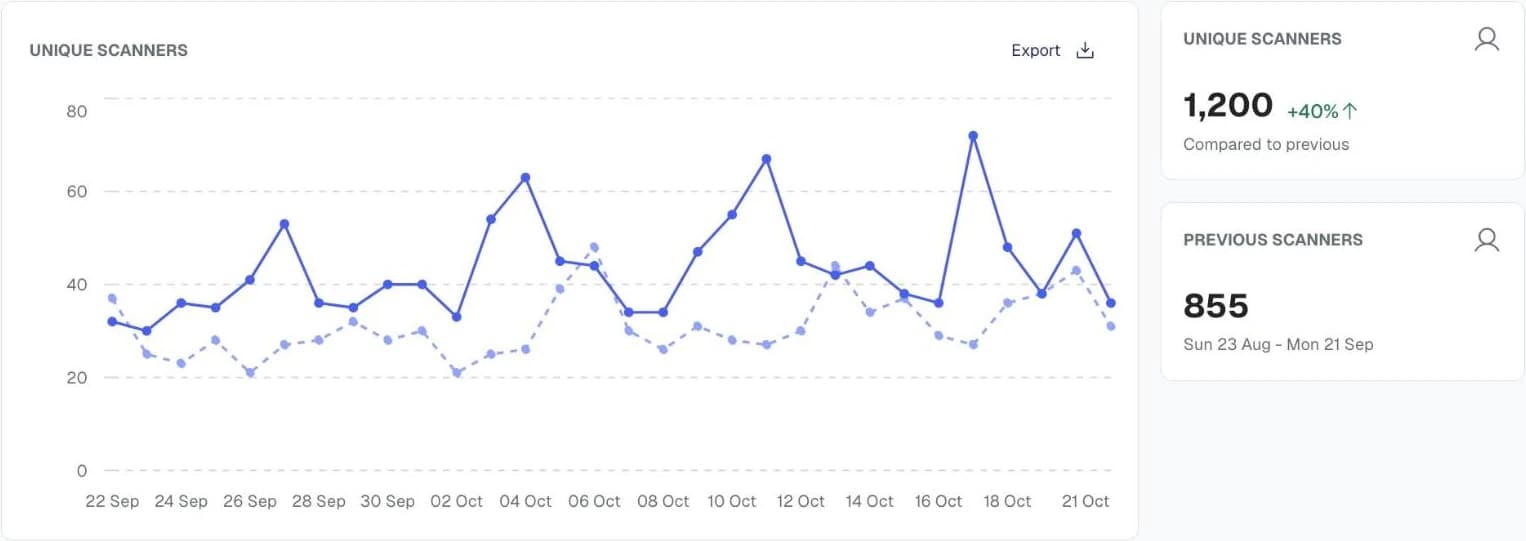
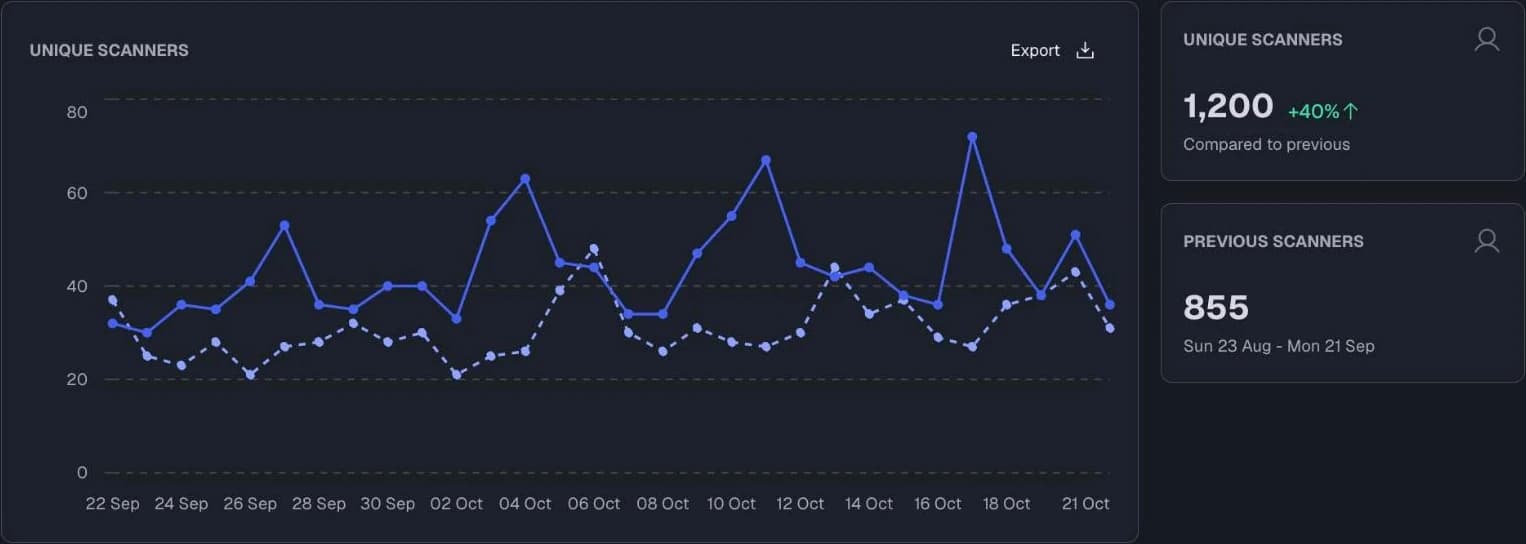
Charts from the Qrelux demo, on sample data.
Every church admin and media team has asked at least one of these:
A code that always points to the same thing can't help. One you can change every week, and count, can.
Start for freeGive each placement its own code and see which ones your congregation actually uses.
Point one printed code at this week's order of service, announcements and hymn list. Next Sunday, change the link, not the cards.
Open your church's online giving page or payment link in one scan. The money goes straight to the church; the code only shows the way.
Replace paper cards nobody can read with a short form on the visitor's own phone, so the follow-up team has the details before the service ends.
Put a registration code on every flyer and banner across the city, and see which area, estate or campus actually responded.
Link the message notes, the YouTube replay or the audio download, and swap in each week's sermon behind the same code.
Give each unit its own code for rosters, rehearsal tracks or sign-up forms, and keep them all in one dashboard.
Every scan is counted and timestamped, never tied to a name or number:
Unsure how to set codes up so the numbers mean something? See how to track QR code scans.
Start for free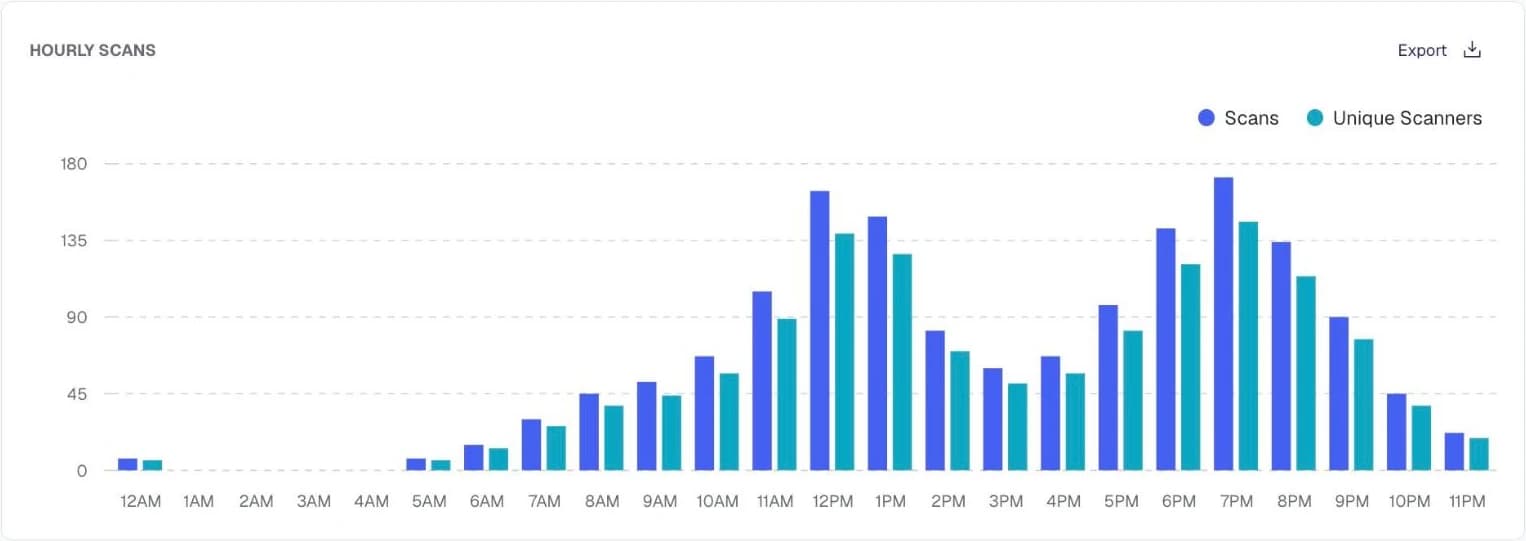
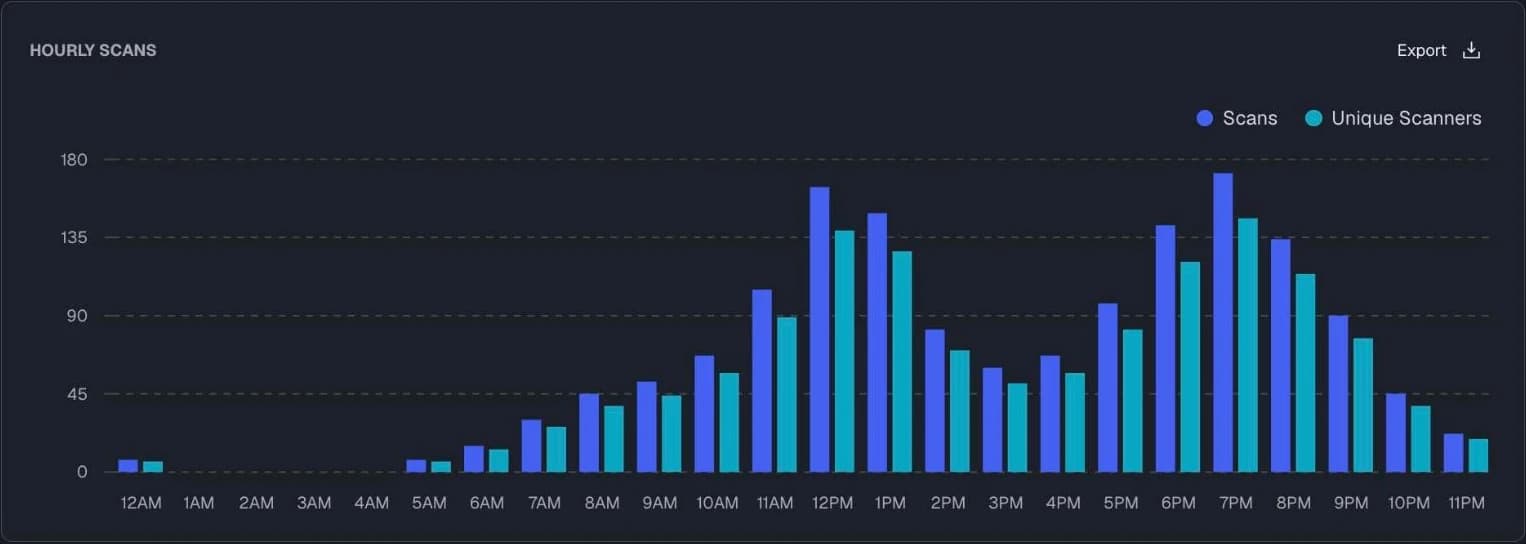
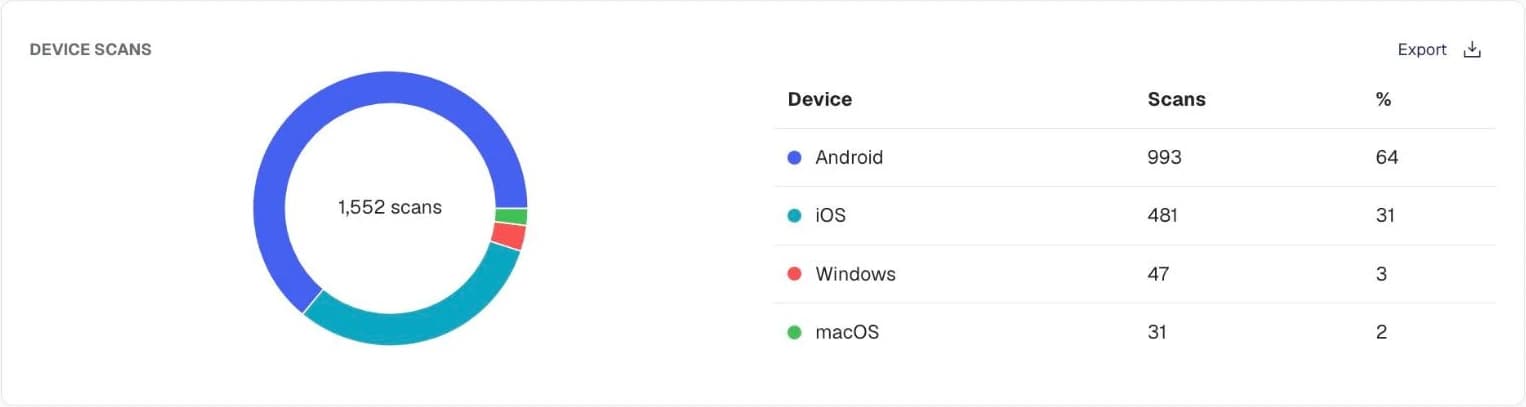
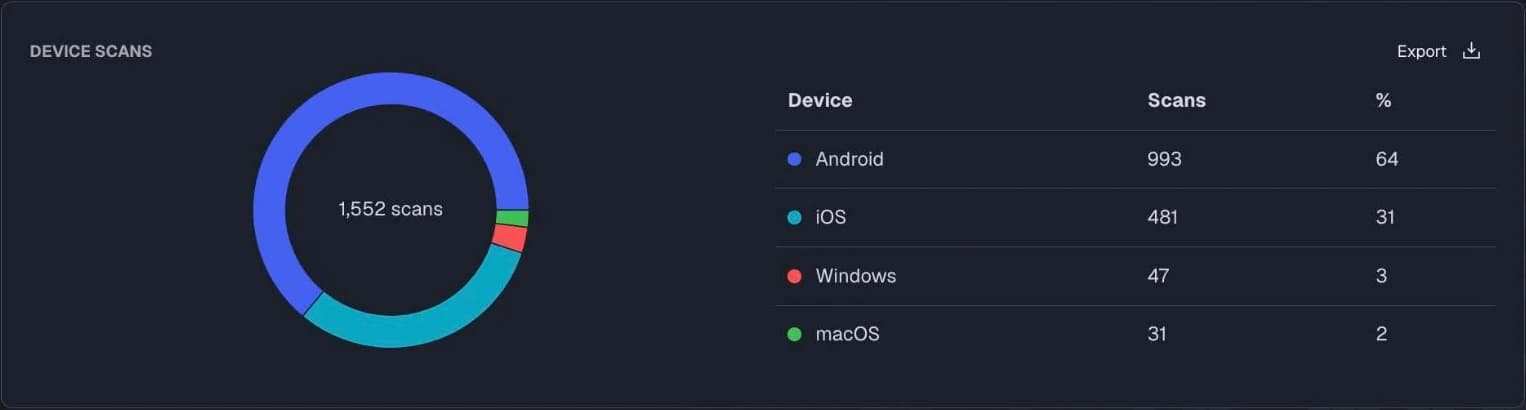
Charts from the Qrelux demo, on sample data.
Two things a printed code can do that a printed bulletin can't.
A/B testing
Split a crusade flyer's scans between two registration pages and see which gets more sign-ups.
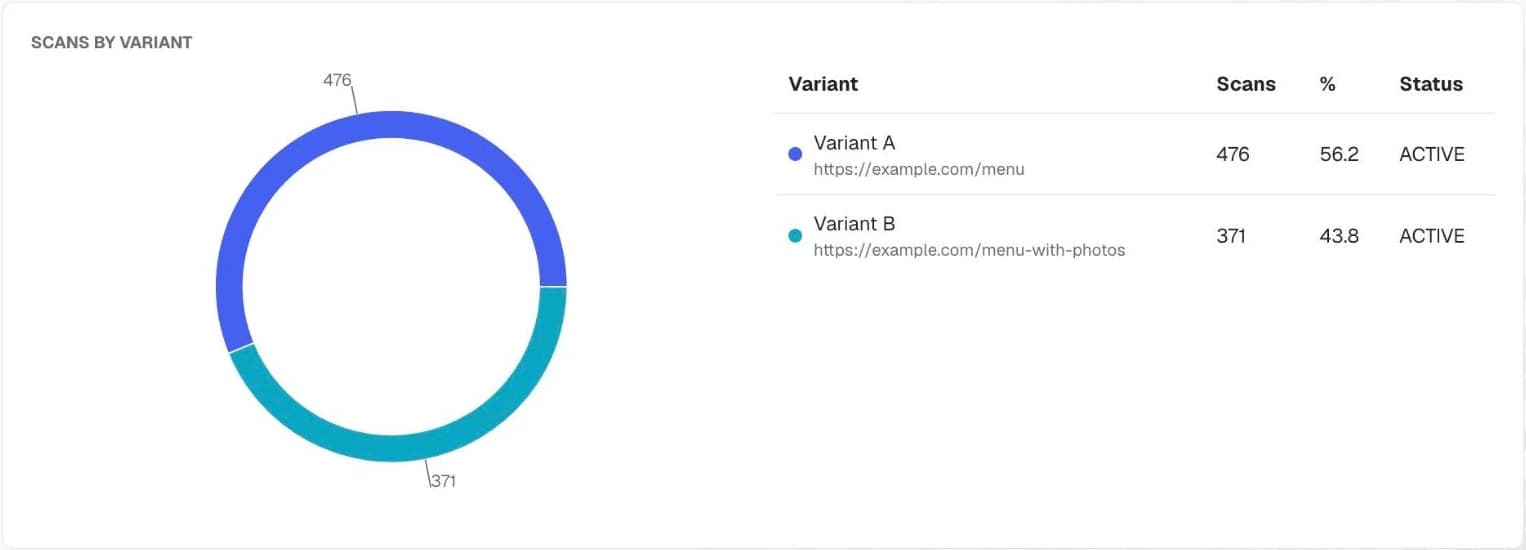
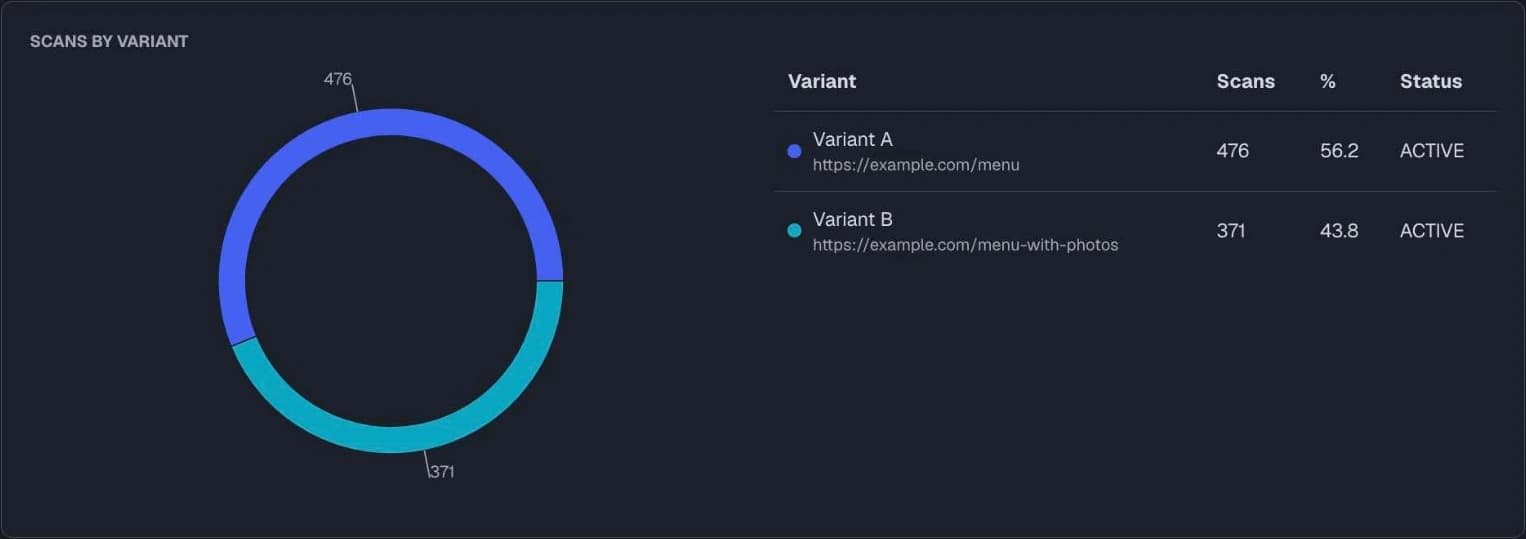
Smart redirects
Send each scan where it makes sense, from the same printed code.
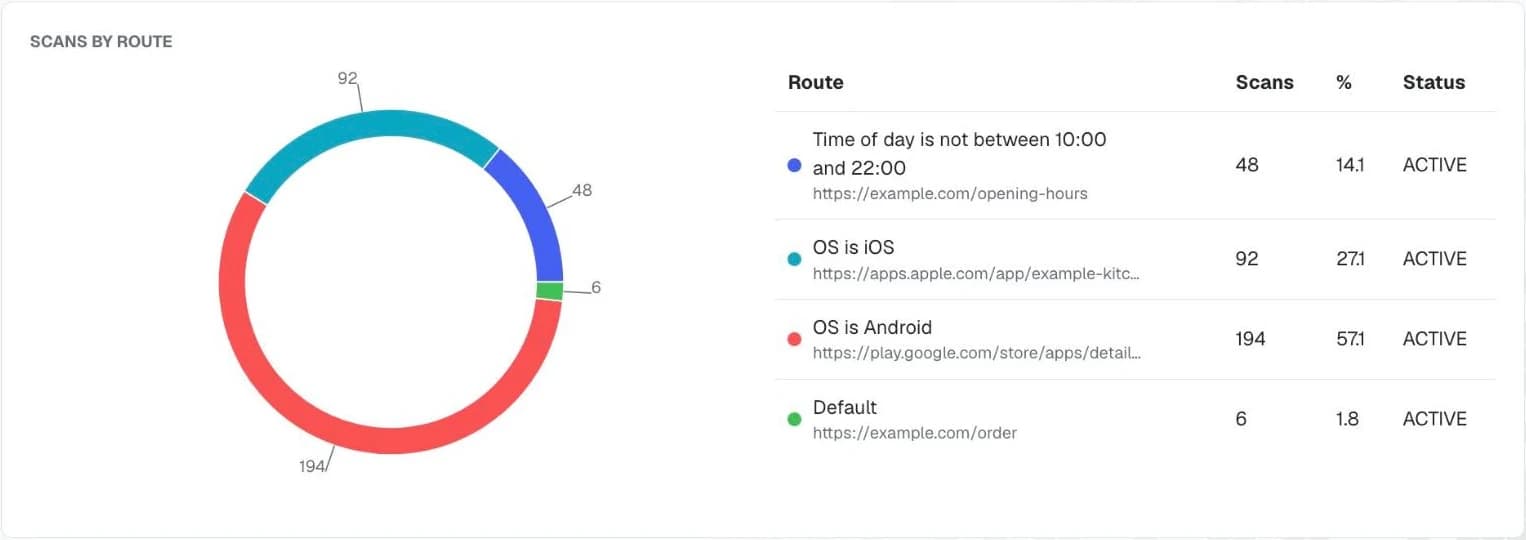
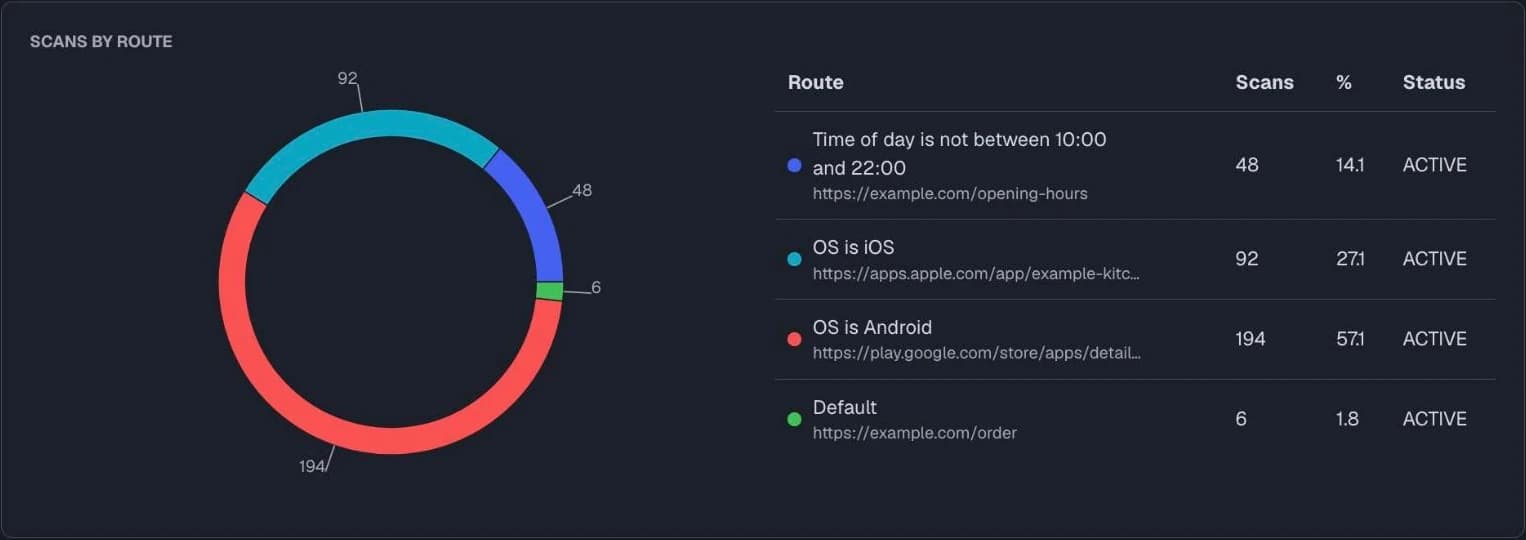
A/B testing and smart redirects are on Pro and Agency plans, free to try for 14 days. Each version and route is labelled (UTM-tagged), so your website analytics can tell them apart.
Charts from the Qrelux demo, on sample data.
The code opens your church's own giving page, payment link or a page with the account details, and the member gives from there. Qrelux never handles the money; it only sends people to the place you choose. If the account or giving platform changes, repoint the code and every printed copy follows.
Keep the essentials printed next to the code: the account details for giving, the date and venue for an event. The code is a shortcut for people with phones, not a replacement for the information everyone needs.
Yes. Group each branch's codes into its own campaign and compare them from one dashboard, so the head office can see which branch's bulletin or convention flyer gets scanned most.
No. A scan is anonymous: it records the time, the city and the kind of phone, never a name or number. If you want details, such as from first-timers, the code opens a form they choose to fill in.
The Free plan has no time limit and covers a couple of codes, such as the weekly bulletin and the giving page, with scan counts. Paid plans add more codes and show when and where people scan; Pro adds redirects by day or country.
No. They point the phone camera at the code and the page opens. Nothing to download and no sign-up.
3×
more customer engagement from the same banners and flyers

“It took less than 2 minutes to setup. And based on our dashboard data, we were able to optimise our banners and fliers and saw a 3X increase in customer engagements”

Charles Izuoba
CEO at LAskill
Try any paid plan free for 14 days, with no card. Or stay on Free for as long as you like.
Try it on your first flyer, poster or menu
Free for as long as you like
For a shop, restaurant or event with a few printed pieces
₦60,000₦48,000 billed yearly
Everything in Free, plus:
For growing businesses testing what works
₦180,000₦144,000 billed yearly
Everything in Starter, plus:
For agencies and designers running print for many clients
₦480,000₦396,000 billed yearly
Everything in Pro, plus:
Paid plans start with 14 days free · No card needed · Drop to Free any time
Need a hand? We'll set it up with you on WhatsApp
Set up your bulletin and giving codes before Sunday.
Create your church QR codeFree plan, no time limit · Pro features free for 14 days · No credit card
Need a hand? We'll set it up with you on WhatsApp
Need a quick code that never changes? Make one free, with no sign-up.
Let guests join your network by scanning instead of typing a password wrong three times.
Make one free →Encode a message that simply appears on screen when someone scans it.
Make one free →Encode an event so scanning offers to add it to the calendar with the date, time, and venue already filled in.
Make one free →Open a WhatsApp chat with your business, message already written.
Make one free →A giving QR code saves members from copying account numbers mid-service. Set it up so it is quick to use, easy to check, and hard to tamper with.
4 min readThe single most common reason a printed QR code does not work is that it was printed too small for the distance people stand at. Here is the arithmetic, with sizes for every common format.
9 min readOne is free forever and can never be changed. The other costs money and can be edited and measured. Here is how to tell which your campaign actually needs — before it goes to print.
8 min read