Free Text QR Code Generator
Encode a message that simply appears on screen when someone scans it. Nothing opens and nothing loads, so a text code works even where there is no signal at all.
Shown as-is when scanned. Nothing opens automatically.
Sample code. Yours appears here as you type.
Add Text to create your code.
This code is static. Here is what that means.
Everything on this page is encoded directly into the pattern, so the code works forever and needs no account. The trade-off is that it cannot change and cannot be counted.
Static code (this tool)
- Free forever, no account needed
- Works offline, never expires
- Destination is fixed once printed
- No way to count scans
Dynamic code (Qrelux)
- Swap the text for a hosted page, PDF, image or video
- Change the destination after printing
- See when, where and how often it is scanned
- Fix a typo without a reprint
- Compare which poster or flyer actually works
LAskill Printing saw 3× more customer engagement from the same banners and flyers.
What a dynamic code shows you
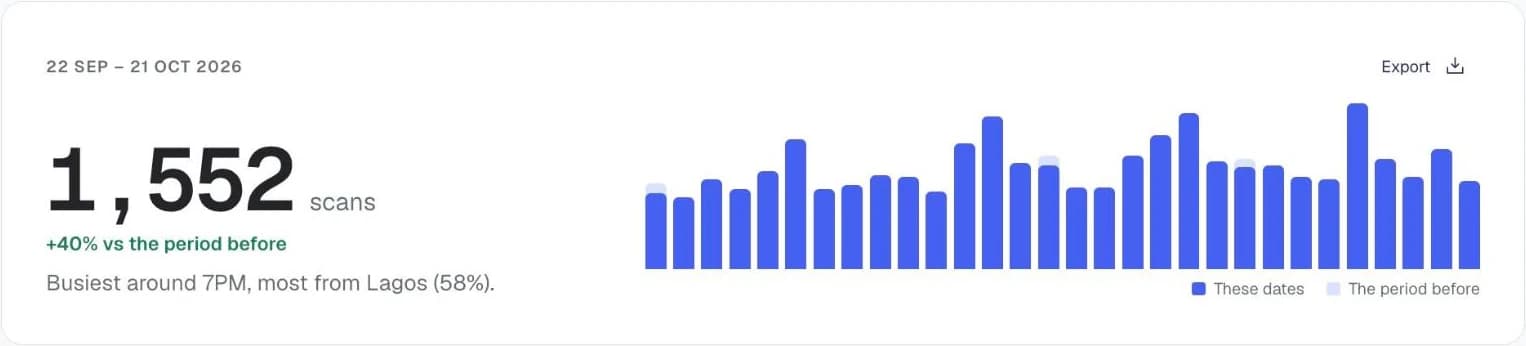
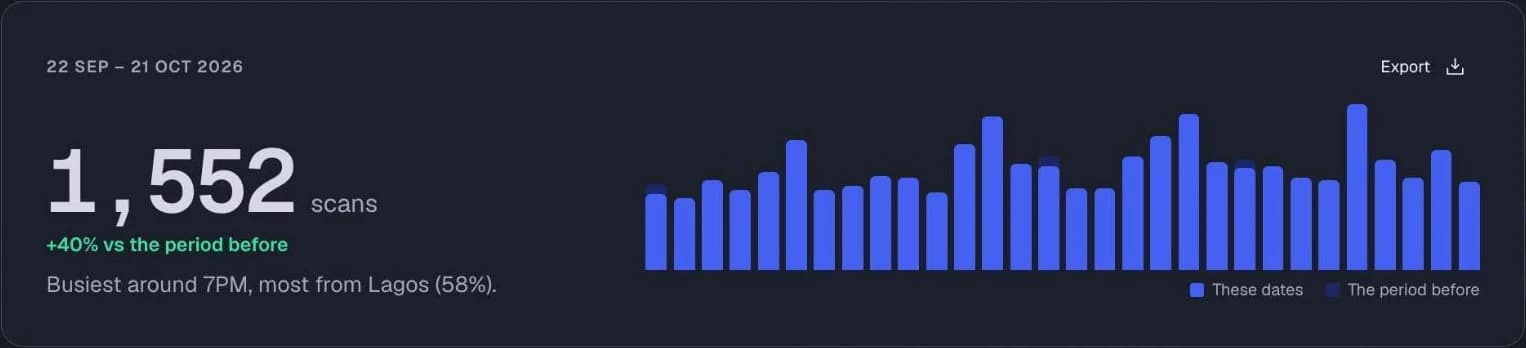
Charts from the Qrelux demo, on sample data.
How to make a text QR code
- 1
Type your message
Keep it short. Long passages make a dense pattern that is harder for older phone cameras to read.
- 2
Preview the pattern
Watch the code get denser as you add text — that is your cue to trim it.
- 3
Download and print
Choose SVG for print so the pattern stays crisp at any size.
Before you print your text QR code
- Keep the message under about 300 characters so the pattern stays easy to scan.
- Print it at least 2.5cm wide. Text codes are denser than link codes, so they need more room.
- Say what the code holds next to it, like “Scan for the serial number”, because nothing opens automatically.
Text QR code not working?
- The phone offers to search the web instead
- Some scanner apps treat plain text as a search. The text is still there, and the phone's own camera app usually shows it directly.
- Some characters look wrong
- Older scanners can mangle accented letters and emoji. Stick to plain letters and numbers on labels that must work on every phone.
- It won't scan from a distance
- Long text makes the squares tiny. Shorten the message or print the code larger.
Where to use a text QR code
Equipment and asset tags
Encode a serial number or model reference that stays readable when the label is scuffed.
Instructions in the field
Put a short procedure on a machine where there is no reliable mobile signal.
Places with poor network
Share a reference, price list or short note where mobile data is patchy, from rural sites to basement shops.
Using it for your business? See how Qrelux works for packaging.
Text QR code: common questions
How much text can a QR code hold?
The format allows several thousand characters, but that is not a useful limit in practice. Past roughly 300 characters the pattern gets fine enough that phones struggle unless you print it large.
Does scanning a text code use data?
No. The message is stored inside the pattern itself, so the phone reads it directly with no network involved.
Can I put a link in the text?
You can, but most scanners will show it as plain text rather than opening it. Use the URL type instead if you want it to be tappable.
Can a text QR code show my bank account details?
Yes. A text code can show your account name, number and bank so customers can copy them into their banking app without spelling mistakes. It can't make the payment itself; the customer still sends the transfer.
Can I change the text after printing?
No, the text is part of the pattern. If it will change, like a price list, point a dynamic code at a page you can edit instead.
Before you print: make it a code you can change and count.
Free plan, no time limit · No credit card