Free vCard QR Code Generator
Encode your contact details so one scan opens a pre-filled contact card ready to save. No app required, and it works offline because the details live in the pattern.
Sample code. Yours appears here as you type.
Add First name to create your code.
This code is static. Here is what that means.
Everything on this page is encoded directly into the pattern, so the code works forever and needs no account. The trade-off is that it cannot change and cannot be counted.
Static code (this tool)
- Free forever, no account needed
- Works offline, never expires
- Destination is fixed once printed
- No way to count scans
Dynamic code (Qrelux)
- A contact page with a Save contact button: change your number or job title without reprinting a single card
- Change the destination after printing
- See when, where and how often it is scanned
- Fix a typo without a reprint
- Compare which poster or flyer actually works
LAskill Printing saw 3× more customer engagement from the same banners and flyers.
What a dynamic code shows you
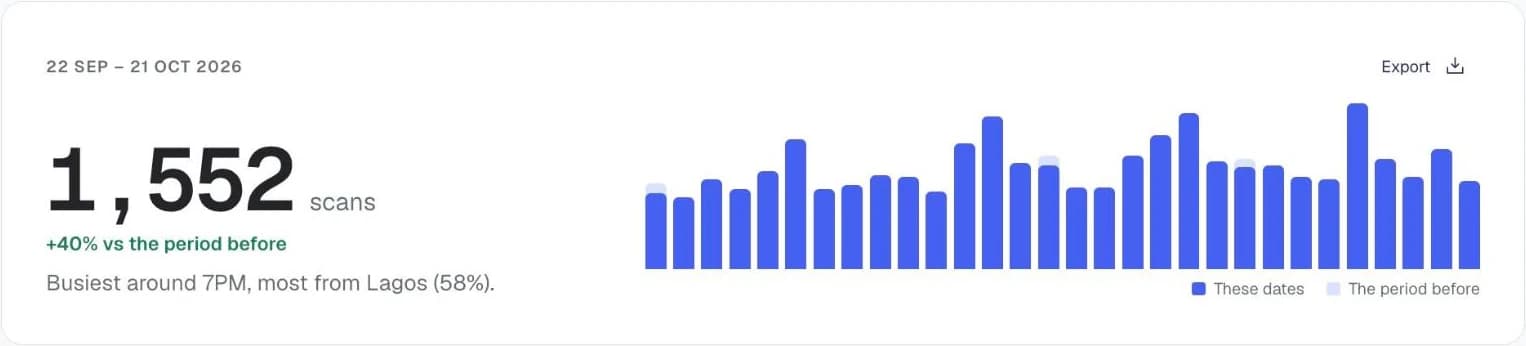
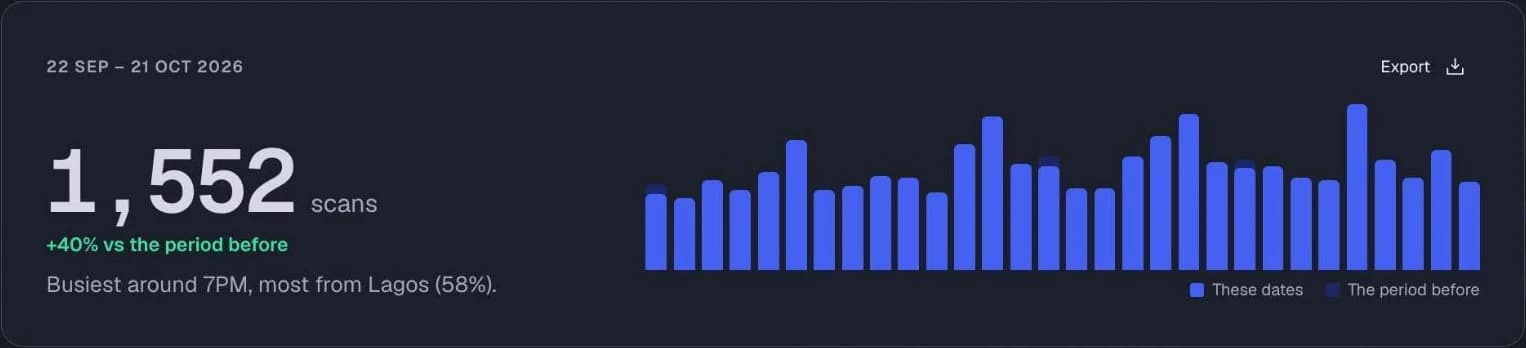
Charts from the Qrelux demo, on sample data.
How to make a vCard QR code
- 1
Fill in your details
Only a first name is required, but a phone and email make the saved contact actually useful.
- 2
Keep it lean
Every field you add makes the pattern denser. Skip anything that will not be looked up later.
- 3
Scan to check the card
Confirm the name, number, and company land in the right fields before printing.
- 4
Download for your card
Use SVG so the code stays sharp at business-card size.
Before you print your vCard QR code
- Print it at least 2cm wide on a business card, or 2.5cm if you've filled in every field, since contact codes hold a lot of data.
- Put it on the back of the card with a short line like “Scan to save my contact”.
- Write your number in international format, +234…, so it saves correctly for clients abroad too.
VCard QR code not working?
- The phone shows a block of text
- Some third-party scanner apps don't understand contact cards. The phone's own camera app offers to save the contact instead.
- The number saves without +234
- It was entered in local format (0803…). Change it to +234 803… and print a new code.
- The code is too dense for the card
- Remove the fields people won't need, like the address, or link to an online contact page instead.
Where to use a vCard QR code
Business cards
Let people save you in one scan instead of typing your details or losing the card.
Conference badges
Turn a badge into something people can actually keep after the event.
Estate agents and sales reps
Let a prospect at an inspection, a market or a client visit save your number, in the right +234 format, in one scan.
Using it for your business? See how Qrelux works for events and real estate.
VCard QR code: common questions
What is a vCard QR code?
A QR code holding a vCard — the standard contact format phones and address books already understand. Scanning it opens a contact card with your details filled in, ready to save.
Will it work on every phone?
iPhone and Android both handle vCard codes with the built-in camera. Some older scanners show the raw text instead of offering to save it, which is a limitation of the scanner rather than the code.
Why is my contact code so dense?
vCards hold a lot of text, so the pattern is naturally busier than a URL code. Remove the fields you do not need, and print at 2.5cm or larger.
Can I update my details later?
Not on a static code — the details are fixed in the pattern, so new details mean reprinting. If you change roles or numbers often, a dynamic code lets you update the card behind a code that is already printed.
Should my business card have a vCard or a link?
If you want people to save your number, use a vCard: it goes straight into their contacts. If you want them to see your work, use a link. A Qrelux contact page does both, with a save button and links to your site and socials.
Can people message me on WhatsApp after saving?
Yes. Add your WhatsApp number as your mobile number. WhatsApp picks up saved contacts, so the person can message you straight away.
Before you print: make it a code you can change and count.
Free plan, no time limit · No credit card