Free Social Media QR Code Generator
Turn your Instagram, TikTok, Facebook, X or YouTube username into a QR code that opens your profile. Pick the platform, type your handle and download it free for flyers, packaging and your shop window.
Your username without the @, or paste the full link to your profile.
Added under the code in the PNG and SVG, clear of the blank border phones need. Say what the scan does.
Sample code. Yours appears here as you type.
Add Username to create your code.
This code is static. Here is what that means.
Everything on this page is encoded directly into the pattern, so the code works forever and needs no account. The trade-off is that it cannot change and cannot be counted.
Static code (this tool)
- Free forever, no account needed
- Works offline, never expires
- Destination is fixed once printed
- No way to count scans
Dynamic code (Qrelux)
- Point the code at a bio page with all your profiles, WhatsApp and website in one place
- Change the destination after printing
- See when, where and how often it is scanned
- Fix a typo without a reprint
- Compare which poster or flyer actually works
LAskill Printing saw 3× more customer engagement from the same banners and flyers.
What a dynamic code shows you
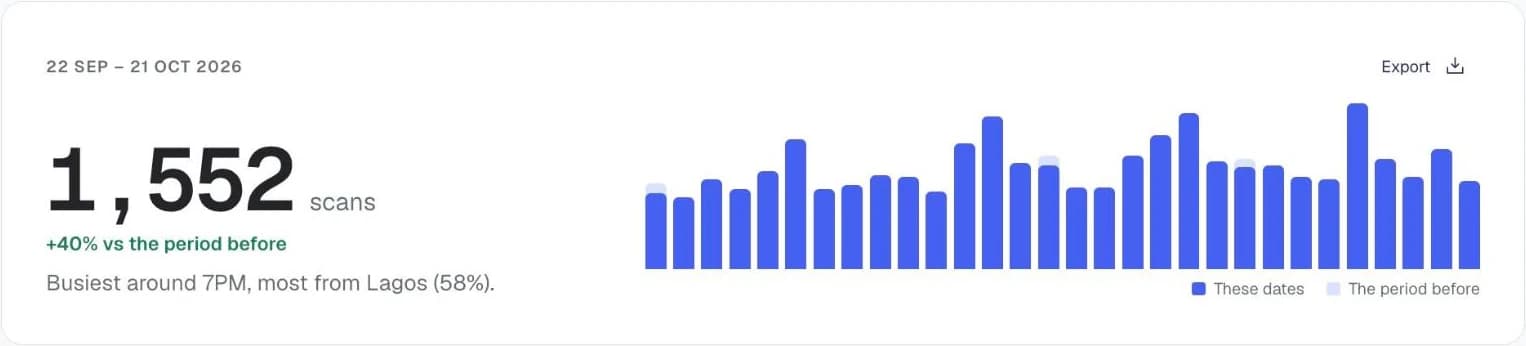
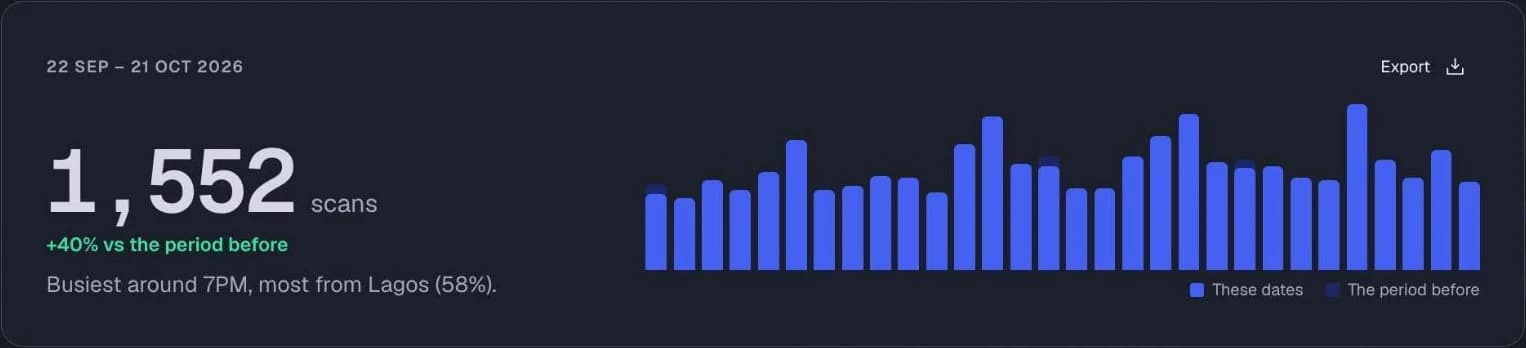
Charts from the Qrelux demo, on sample data.
How to make a social media QR code
- 1
Choose the platform
Pick Instagram, TikTok, Facebook, X or YouTube.
- 2
Type your username
Leave out the @. You can also paste the full link to your profile.
- 3
Scan to check it opens
Make sure it lands on your profile, not a similarly named account.
- 4
Download and print
SVG for print, PNG for screens and stories.
Before you print your social media QR code
- Put the platform's name next to the code, like “Follow us on Instagram”, so people know what opens.
- Print it at least 2cm wide on cards and stickers, and larger on window signs.
- Use one code per platform, or one Qrelux bio page that lists them all.
Social media QR code not working?
- It opens “Page not found”
- The username has a typo, or the handle was changed. Check it on the platform and print a new code.
- It opens in the browser, not the app
- The app isn't installed, or the phone is set to open links in the browser. The profile still loads either way.
- You changed your handle after printing
- A static code keeps the old link. Reprint, or use a dynamic code next time so you can update it.
Where to use a social media QR code
Packaging and thank-you cards
Turn every order into a new follower with a “Follow us” code inside the box.
Shop windows and counters
Let people who walk past after hours find you on Instagram or TikTok.
Pop-ups, markets and events
Grow your following from a stall or stand without asking people to spell your handle.
Using it for your business? See how Qrelux works for packaging and marketing teams.
Social media QR code: common questions
Can one QR code link to all my social media?
Not a static one, which opens a single link. A Qrelux bio page puts your Instagram, TikTok, WhatsApp and website behind one code, and you can change it any time.
Doesn't Instagram have its own QR code?
It does, in the profile menu. This one gives you a clean, print-ready SVG in your own colour, and works the same way for TikTok, Facebook, X and YouTube.
Will it open the app?
On most phones, yes, if the app is installed. Otherwise the profile opens in the browser.
Before you print: make it a code you can change and count.
Free plan, no time limit · No credit card